
WebP Format: The Modern Solution for Efficient Web Images
Every millisecond counts on the web. Studies consistently show that even small delays in page load time lead to higher bounce rates, lower conversions, and frustrated users. Images often account for over half of a typical webpage's total weight, making image optimization one of the highest-impact improvements you can make to your site's performance.
Enter WebP — Google's answer to the image format problem. Since its introduction in 2010, WebP has quietly revolutionized how we think about web images, offering compression that seemed almost impossible a decade ago. This guide explores what makes WebP special and how to leverage it effectively in your projects.
> The Birth of a Format
WebP emerged from Google's broader mission to make the web faster. In 2010, Google's engineering team recognized that existing image formats — JPEG from 1992, PNG from 1996, GIF from 1987 — were showing their age. Each excelled in specific scenarios but none optimized for the modern web's diverse needs.
The breakthrough came from an unexpected source: video compression. Google had acquired On2 Technologies, whose VP8 video codec demonstrated remarkable compression efficiency. The core insight was simple but profound: the same mathematical techniques that compress video frames could compress static images, often with better results than purpose-built image codecs.
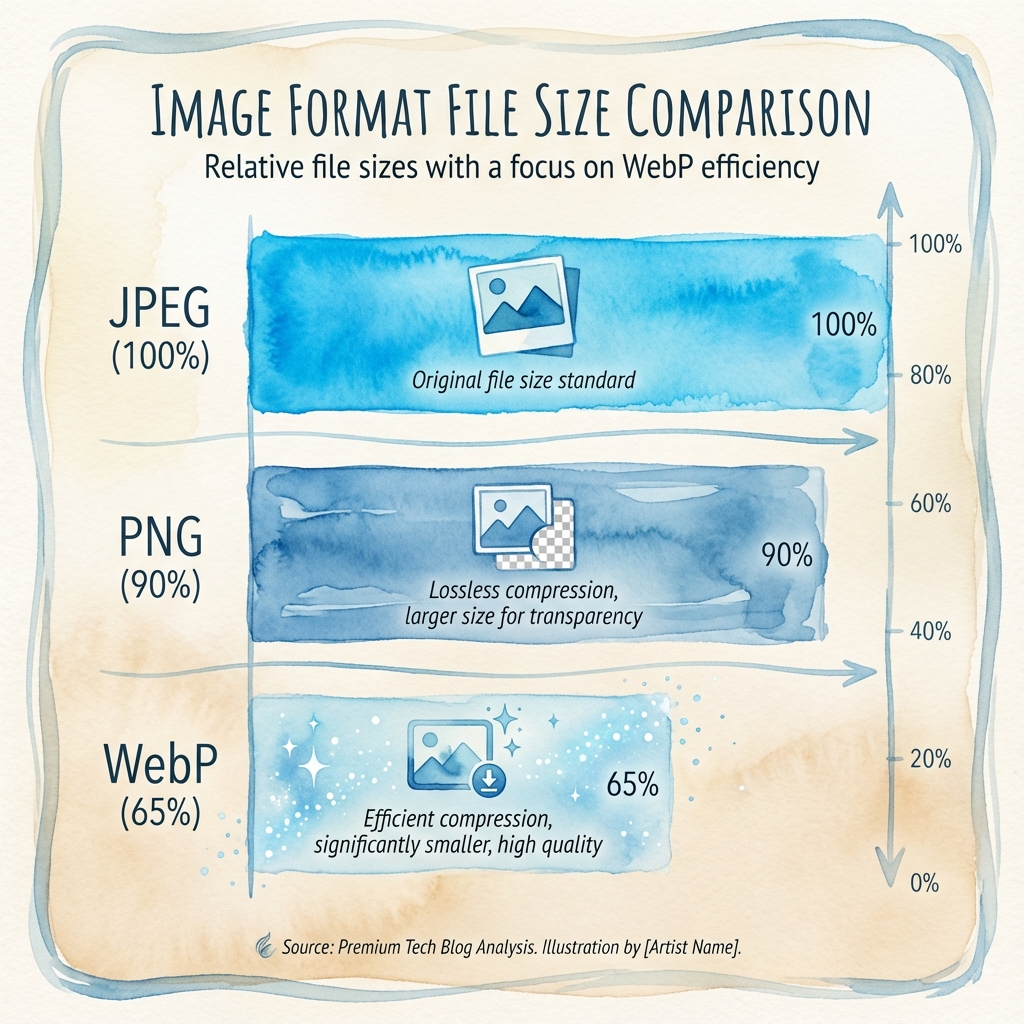
WebP inherited VP8's predictive coding, transform compression, and entropy coding, combining them into a format specifically designed for web delivery. The result was images that looked identical to JPEG at file sizes 25-35% smaller — a difference that translates directly into faster load times and lower bandwidth costs.
> How WebP Achieves Smaller Files
Understanding WebP's compression helps explain why it works so well. The format employs several sophisticated techniques that work together to minimize file size while preserving visual quality.
Predictive coding forms the foundation. Instead of storing each pixel's absolute value, WebP analyzes neighboring pixels and predicts what the current pixel should be. Only the difference between prediction and reality gets stored — and these differences are typically small, requiring fewer bits to encode.
Transform coding takes blocks of predicted values and applies mathematical transformations that concentrate information into fewer coefficients. The Discrete Cosine Transform (DCT) and Walsh-Hadamard Transform identify patterns our eyes are sensitive to and prioritize preserving those while discarding details we wouldn't notice anyway.
Entropy coding then takes the transformed data and encodes it using statistical optimization. Frequently occurring values get shorter representations; rare values get longer ones. WebP uses both Huffman coding and arithmetic coding depending on the content, choosing whichever produces smaller output.
Adaptive quantization makes the final difference. Rather than applying uniform compression across the entire image, WebP analyzes the content and adjusts compression levels regionally. Detailed areas retain more information; uniform areas compress more aggressively. The result feels perceptually lossless even at significant compression ratios.
> WebP in the Format Landscape
To choose the right format, you need to understand how WebP compares to alternatives. Each format has strengths; WebP's advantage is being strong across multiple dimensions simultaneously.
Against JPEG
JPEG remains ubiquitous for photographic content, but WebP consistently produces smaller files at equivalent quality. Our testing across thousands of images shows WebP averaging 28% smaller with lossy compression. More importantly, WebP avoids JPEG's notorious artifacts — the blocky distortions that appear around sharp edges at high compression levels.
WebP also gains features JPEG lacks entirely: transparency and animation. A single WebP file can contain transparent regions (impossible in JPEG) or multiple frames (requiring GIF or video otherwise). For modern web applications, these capabilities matter.
Against PNG
PNG excels at graphics with sharp edges, text, and limited colors — logos, icons, screenshots. Its lossless compression preserves every pixel exactly. WebP offers lossless compression too, typically producing files 26% smaller than equivalent PNGs.
For photographs and complex images, WebP's lossy mode dramatically outperforms PNG. Where PNG files balloon to megabytes for detailed photos, WebP keeps them reasonable. This is why many sites generate WebP versions of all images regardless of original format.
Against GIF
GIF stubbornly persists for animations despite being technically obsolete. Its 256-color limitation creates visible banding; its compression is inefficient by modern standards. WebP animated images are typically 64% smaller than equivalent GIFs while supporting millions of colors and true transparency.
The only remaining advantage of GIF is universal support — every browser, email client, and messaging app handles GIF. But as WebP support has become universal in browsers, this advantage shrinks to specific contexts like email marketing.
> When WebP Shines
WebP makes the most difference in specific scenarios. Understanding these helps you prioritize conversion efforts.
Hero images and large photographs benefit most from WebP compression. A 500KB JPEG hero image might become 340KB as WebP — a 160KB savings that directly improves Largest Contentful Paint, a Core Web Vital metric.
Product galleries and thumbnails multiply these savings across dozens or hundreds of images. E-commerce sites with extensive catalogs see bandwidth costs drop substantially after WebP adoption.
Content-heavy blogs and news sites where articles contain multiple images accumulate savings quickly. Each article loads faster; mobile users on limited data plans benefit especially.
Social sharing images can be optimized as WebP for platforms that support it, reducing load times when content goes viral.
> When to Consider Alternatives
WebP isn't always the right choice. Some contexts warrant different formats.
Email campaigns still struggle with WebP support. Many email clients strip or fail to display WebP images. Stick with JPEG and PNG for email content until support improves.
Print workflows require maximum quality preservation. Use TIFF or PNG for images destined for print; WebP's lossy compression may introduce artifacts visible in high-resolution printing.
Vector graphics should remain SVG. Converting SVG to WebP sacrifices the infinite scalability and editability that makes SVG valuable. Only rasterize SVG when the destination truly requires it.
Legacy system integration sometimes demands specific formats. If your content management system, partner APIs, or downstream processes require JPEG or PNG, accommodate those requirements.
> Implementing WebP in Production
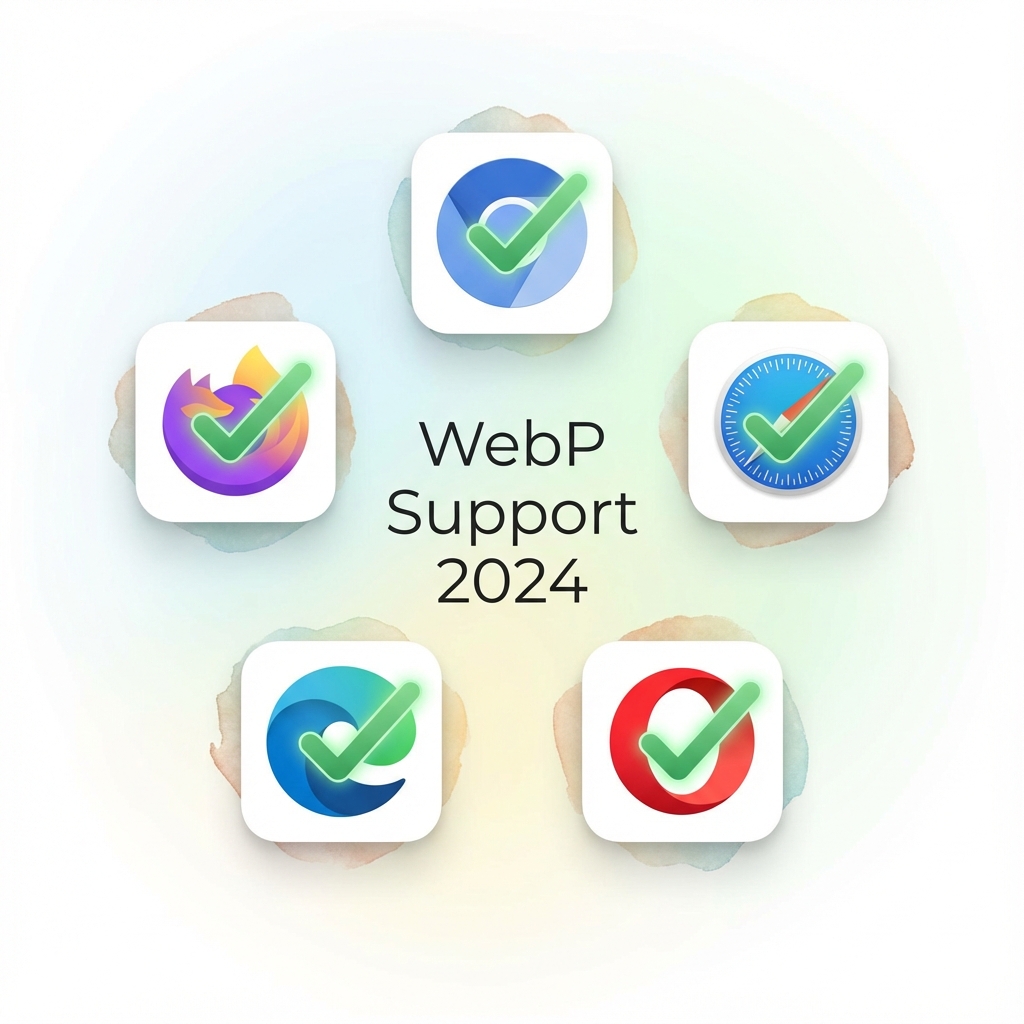
Modern browsers universally support WebP, but production implementations should still handle edge cases gracefully.
The Picture Element Approach
The most robust implementation uses HTML's <picture> element to provide format alternatives:
<picture>
  <source srcset="hero.webp" type="image/webp">
  <source srcset="hero.jpg" type="image/jpeg">
  <img src="hero.jpg" alt="Hero image" loading="lazy">
</picture>
Browsers that support WebP download the first source; others fall back to JPEG. The <img> element provides ultimate fallback for ancient browsers that don't understand <picture>.
CSS Background Images
For background images, modern CSS supports format negotiation:
.hero {
  background-image: url('hero.jpg');
  background-image: image-set(
    url('hero.webp') type('image/webp'),
    url('hero.jpg') type('image/jpeg')
  );
}
Browsers select the format they support; if image-set itself isn't supported, the first declaration provides fallback.
Build-Time Automation
Manual conversion doesn't scale. Modern build pipelines automate WebP generation:
// vite.config.js with vite-imagetools
import { defineConfig } from 'vite';
import { imagetools } from 'vite-imagetools';

export default defineConfig({
  plugins: [
    imagetools({
      defaultDirectives: (url) => {
        return new URLSearchParams({
          format: 'webp',
          quality: '80'
        });
      }
    })
  ]
});
Similar plugins exist for Webpack, Rollup, and other bundlers. Content management systems like WordPress offer plugins that automatically generate WebP versions of uploaded images.
CDN-Level Conversion
Leading CDNs including Cloudflare, Fastly, and AWS CloudFront can convert images to WebP on-the-fly based on browser capabilities. This approach requires minimal development effort — enable a feature, and the CDN handles format negotiation automatically.
> Measuring the Impact
WebP adoption should be measured, not assumed. Key metrics to track include:
File size reduction across your image library. Aggregate the differences to understand bandwidth savings.
Largest Contentful Paint (LCP) often improves when hero images or above-the-fold content converts to WebP. Track this Core Web Vital before and after.
Page weight and total transfer size decrease. Monitoring tools like WebPageTest show the aggregate impact.
Bounce rate and engagement metrics may improve as pages load faster, though many factors influence these.
> Looking Forward
WebP's success has inspired further innovation. Google's WebP2 project promises 15% better compression than original WebP, though browser support remains nascent. AVIF, based on the AV1 video codec, offers even better compression than WebP at the cost of encoding speed and complexity.
For most projects today, WebP represents the optimal balance of compression, quality, browser support, and tooling maturity. AVIF may eventually supersede it, but WebP's broad adoption ensures it will remain relevant for years to come.
The trajectory is clear: image formats will continue evolving toward better compression and more features. Teams that build robust format handling infrastructure — automatic conversion, proper fallbacks, performance monitoring — position themselves to adopt future formats painlessly.
> Getting Started
The transition to WebP doesn't require a massive effort. A pragmatic approach:
Start with your largest images — hero images, banners, featured photos. The absolute bandwidth savings are greatest here.
Automate generation in your build pipeline or CDN. Manual conversion creates maintenance burden and risks missed images.
Implement proper fallbacks using <picture> elements or CSS image-set. Don't break the experience for the tiny fraction of users on non-supporting browsers.
Measure the impact. Confirm that file sizes dropped and page performance improved. Celebrate the wins with your team.
Whether you're optimizing an existing site or building something new, WebP offers substantial benefits with manageable implementation effort. In a web where performance directly impacts user experience and business metrics, those benefits compound across every page load.
Interested in format conversions? Our free SVG to PNG converter handles all your image transformation needs directly in the browser. For deeper understanding of vector formats, explore our Complete Guide to SVG Image Format.